Google Pixel Users Could Soon Ditch Search Bar for Cleaner Home Screens
Android 17 beta teases Pixel home screens without third-party launchers.


Google Pixel May Soon Allow Users to Remove Search Bar
Google Pixel users, brace yourselves for a change that might seem minor to some, but is significant for those seeking a more personalized interface: the ability to remove the Google search bar from your home screen. This feature was recently spotted in the Android 17 QPR1 beta, hinting at a newfound flexibility in the Pixel Launcher. While it might sound like a small tweak, it represents a meaningful shift in how Google approaches user customization.
A Long-Awaited Flexibility
For years, users of Google Pixel devices have had to accept the persistent presence of the Google search bar on their home screens. Unless they opted for third-party launchers, this feature was a constant, whether they liked it or not. This frustration has been particularly pronounced among those who prefer a minimalist home screen or who favor alternative search engines. The discovery of code in the Android 17 beta indicating an option to toggle the search bar's visibility suggests that Google is finally listening to these users.
Developers exploring the Android 17 beta have found an option within the Pixel Launcher settings that would allow users to hide the search bar. This aligns with Google's broader push towards customization, which has been evident in recent updates like the option to remove the 'At a Glance' widget. Such changes are part of a trend where Google is increasingly allowing users to tailor their devices to better fit their preferences.
Context
In the broader context of the smartphone industry, this move by Google is part of a growing trend towards personalization and user control. While Android has always been known for its customization capabilities, Google has traditionally kept a tight rein on the Pixel's interface, promoting a clean and unified user experience. However, as competitors in the Android space offer increasingly flexible interfaces, Google appears to be reassessing its strategy. This shift could be seen as an attempt to keep pace with consumer demands and to prevent users from turning to third-party solutions, which can sometimes compromise the device's performance or security.
Comparing Pixel to the Competition
The Google Pixel line is often celebrated for its pure Android experience, serving as a testing ground for Google's latest innovations. However, despite these advancements, the fixed search bar has been a sticking point for many users. Other smartphone manufacturers and custom ROM developers have long embraced extensive home screen modifications, allowing users to remove or replace default search bars and widgets.
For instance, Samsung's One UI and Xiaomi's MIUI offer extensive customization options, enabling users to tailor their home screens to a degree that Pixel users could only dream of. This discrepancy has likely played a role in some users' decisions to explore alternative launchers or even different brands. By introducing more flexibility, Google could retain more users within its ecosystem, enhancing customer satisfaction and brand loyalty.
What's Still Unclear
As promising as this development is, several questions remain unanswered. First and foremost, there's no specific timeline for when this feature will be rolled out to all Pixel users. It's possible that it could remain in beta testing for an extended period, as Google fine-tunes the feature to ensure it integrates smoothly with the rest of the Pixel experience.
Additionally, it's not yet clear whether this option will be available on older Pixel models. Given the range of devices in the Pixel lineup, from the flagship models to the more budget-friendly options, compatibility could vary. Users of older models are understandably eager to know if they will also benefit from this update.
Finally, while the ability to remove the search bar might improve the aesthetic and functional experience for some, it's still uncertain how this change will affect the overall user interface. Will it lead to more clutter as users attempt to fill the newfound empty space with other widgets or shortcuts? Or will it provide a cleaner, more streamlined experience? These are questions that only real-world use can answer.
What This Means for You
If you're a Google Pixel user, the introduction of this feature could significantly enhance your experience by giving you more control over your device's appearance. Whether you're a minimalist at heart or someone who simply prefers using a different search engine, being able to remove the search bar lets you design a home screen that truly reflects your preferences.
For those who have hesitated to switch to a Pixel phone due to its more rigid interface, this change might make the device more appealing. It indicates a willingness on Google's part to listen to user feedback and implement changes that prioritize user satisfaction.
- Greater Customization: Tailor your home screen to better fit your personal style.
- Enhanced User Satisfaction: Feel more at home on your device with a cleaner look.
- Potential for Broader Appeal: Attract new users who value flexibility and personalization.
Editorial Take
Google's decision to allow users to remove the search bar from their home screens is a welcome development that demonstrates a shift towards greater user empowerment. In a market where customization is increasingly valued, Google's move could help it maintain its competitive edge and potentially attract a new audience. However, the success of this feature will ultimately depend on its implementation and the extent to which it improves the overall user experience.
In the end, this change is a reminder that even small tweaks can have a big impact on user perception and satisfaction. As we await further details, it's clear that Google is taking steps in the right direction by prioritizing user preferences and enhancing the flexibility of the Pixel experience.
Cases, chargers and AirPods alternatives the editors actually use.
Shop mobile gear →Discuss this story
Got a take, a correction, or a follow-up tip? Reply where you read — we read everything.
Found an error? File a correction at /corrections. Substantive corrections are logged publicly.
One short email. The most important Mobile news, fact-checked, no fluff. Free, unsubscribe anytime.
More from Mobile

Apple's 'Deep Discounts': US Inventory Flush, Not European Bargains
Byte-Pulse examines Apple's recent US sales, revealing that 'deep discounts' on popular devices like the iPhone 17 Pro and M3 iPad Air are less about consumer savings and more about clearing stock ahead of new launches. We critically assess whether these offers translate to real value for European buyers.
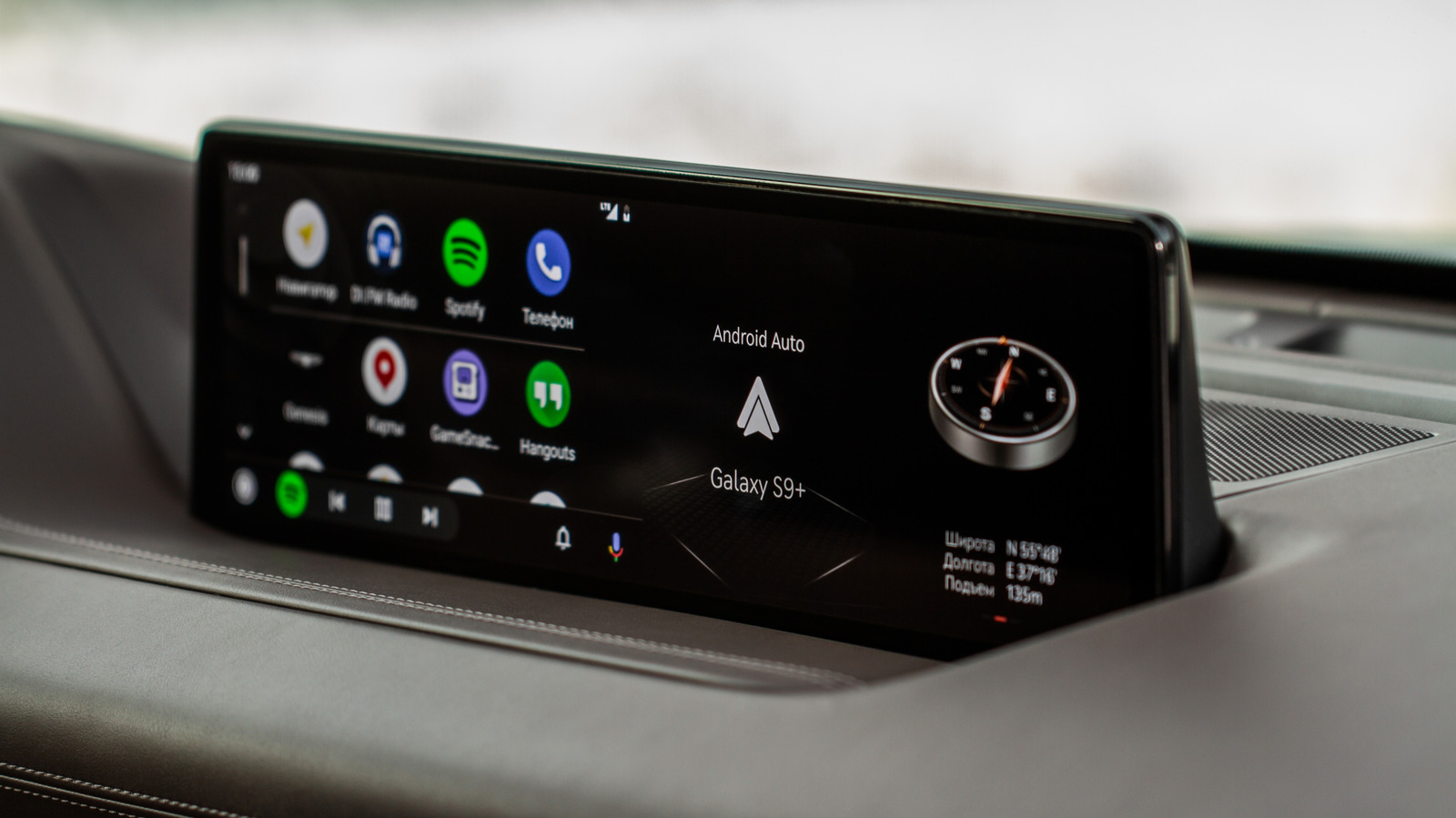
Android Auto vs. CarPlay: Open vs. Controlled Infotainment Ecosystems
A deep dive into Android Auto's flexibility versus Apple CarPlay's curated experience, impacting user choice and OEM strategy

Google's Grip on Android App Distribution Under Fire
US District Judge James Donato gives Google one week to fix its deliberately obscured third-party app store access, highlighting Google's resistance to fair competition

Android 17 QPR2 Beta 3: Pixel Security and Controls Get a Boost
Byte-Pulse examines Android 17 QPR2 Beta 3, focusing on new UI elements, security updates, and user controls for Pixel devices.
The Byte-Pulse Newsroom is the editorial system that produces Byte-Pulse's daily tech news coverage. Each story is cross-referenced across 3+ independent outlets, drafted with AI assistance by the newsroom system (Drafter → Editor → Fact-Checker → Polisher), and reviewed by Serhat Er, Editor-in-Chief, before publication. We disclose AI augmentation openly. Editorial accountability stays with the named editor on every article. Tips: editorial@byte-pulse.net.
Don’t miss these
Proton VPN vs NordVPN: Which One Earns Your Subscription?
A deep dive into Proton VPN and NordVPN, comparing their privacy, performance, features, and value, helping you make an informed decision.
Perplexity Pro vs ChatGPT Plus: Which AI Assistant Fits Your Workflow?
This guide lays out the strengths and approaches of Perplexity Pro and ChatGPT Plus, helping you identify which AI assistant aligns with your specific needs.

Pokémon TCG Movie Signals Strategic Media Pivot for The Pokémon Company
A new Pokémon movie focused on the TCG is coming in 2027, marking a strategic pivot for the franchise as it navigates massive global fan engagement and logistical challenges.

Apple's AI Pivot: Vision Pro Content Cut, Siri Rebuilt Amid Layoffs
Apple's latest layoffs signal a strategic pivot, dialing back high-cost Vision Pro content while re-tooling Siri for the AI era. What's next for Apple?

D23 2026: Disney's Content Deluge Sparks Questions About Strategy
Byte-Pulse cuts through D23 hype: We dissect Disney's ambitious content slate, from Simpsons: Hit & Run to Ahsoka season 2, and question the real-world implications and European market strategy.
Notion vs Obsidian: Which Knowledge Hub Fits Your Workflow?
Deciding between Notion and Obsidian? We break down the core differences in philosophy, data ownership, collaboration, and extensibility to help you choose.