iPad Pro M4 vs Samsung Galaxy Tab S10 Ultra: Which Tablet Fits Your Needs?
A thorough comparison to help you choose between Apple's and Samsung's flagship tablets.
iPad Pro M4 vs Samsung Galaxy Tab S10 Ultra: Which Tablet Fits Your Needs?
So, you've narrowed it down to the iPad Pro M4 and the Samsung Galaxy Tab S10 Ultra. Both high-end, both appealing, both expensive. But which one should you actually spend your hard-earned money on? Let's lay both out side by side, so you can make a decision that fits your specific needs.
The 30-second summary
The iPad Pro M4 excels with its robust ecosystem and software support, making it ideal for users deeply embedded in Apple's world. The Samsung Galaxy Tab S10 Ultra offers a flexible interface and an exceptional display, perfect for those who prioritize customization. The key question: Are you an iOS loyalist or an Android enthusiast?
Specs at a glance
| Feature | iPad Pro M4 | Samsung Galaxy Tab S10 Ultra |
|---|---|---|
| Price | Around €1,200 | Around €1,150 |
| Display | 11/12.9-inch Liquid Retina | 14.6-inch Super AMOLED |
| Chip | Apple M4 | Snapdragon 8 Gen 2 |
| RAM/Storage | 8GB/128GB up to 16GB/1TB | 12GB/256GB up to 16GB/1TB |
| Camera | Dual 12MP rear, 12MP front | Dual 13MP rear, 12MP front |
| Battery | Up to 10 hours | Up to 12 hours |
| Charging | USB-C, 20W | USB-C, 45W |
| [Software Update](/article/windows-11-to-roll-back-faulty-drivers-via-cloud-starting-this-fall) Window | 5+ years | 4 years |
| Standout Feature | Apple Pencil 2nd Gen | S Pen included |
Design & build
Both tablets boast premium builds with sleek designs. The iPad Pro M4 offers an aluminum chassis with a minimalist finish, while the Galaxy Tab S10 Ultra features a slightly larger footprint, thanks to its expansive display. The iPad's dimensions are more compact at approximately 247.6 x 178.5 x 5.9 mm for the 11-inch model, making it a bit lighter and easier to handle on the go. The Galaxy Tab S10 Ultra, measuring around 326.4 x 208.6 x 5.5 mm, caters to those who prefer a larger workspace. Imagine a busy professional commuting to work; they might appreciate the iPad's portability, slipping it into a small bag. Conversely, an artist working at a coffee shop might prefer the Samsung's larger screen for sketching or editing photos.
Display
The iPad Pro M4's Liquid Retina display provides sharp visuals and smooth performance, especially appealing for creative professionals working with graphics. The 12.9-inch model boasts a resolution of 2732 x 2048 pixels, offering excellent color accuracy and brightness. However, the Galaxy Tab S10 Ultra's larger 14.6-inch Super AMOLED display, with a resolution of 2960 x 1848, offers vibrant colors and deep contrasts, making it perfect for media consumption and entertainment. Watching a movie on the Samsung's display feels immersive, with its cinematic aspect ratio and rich blacks. Meanwhile, a graphic designer working on detailed illustrations might prefer the iPad's precise color representation and ProMotion technology, which offers a 120Hz refresh rate for smoother scrolling and responsiveness.
Performance
With the Apple M4 chip, the iPad Pro M4 delivers impressive computational power, perfectly suited for intensive tasks like video editing and 3D modeling. The M4 chip, built on a 5-nanometer process, offers exceptional speed and efficiency, handling complex applications with ease. Meanwhile, the Samsung Galaxy Tab S10 Ultra's Snapdragon 8 Gen 2 provides robust performance for multitasking and gaming. This processor, equipped with an Adreno 730 GPU, ensures high frame rates and quick load times in graphically demanding games. Picture a software developer compiling code or a video editor applying effects to 4K footage; the iPad Pro M4's processing capabilities can significantly speed up their workflow. Alternatively, a gamer engrossed in the latest titles on the Tab S10 Ultra will appreciate the smooth and lag-free experience.
Camera/Capability
Both tablets feature dual rear cameras and advanced front cameras. The iPad Pro M4's camera system benefits from Apple's computational photography, delivering sharp, true-to-life images. The 12MP Ultra Wide front camera with Center Stage ensures you're always in the frame during video calls. The Galaxy Tab S10 Ultra holds its ground with a slightly higher resolution rear camera, offering versatility for capturing details. Its 13MP main sensor, combined with a 6MP ultra-wide lens, provides flexibility for various shooting scenarios. Imagine a family video call; the iPad's Center Stage technology intuitively pans and zooms to keep everyone in view. Meanwhile, a travel vlogger might prefer the Samsung's rear camera setup to capture stunning landscapes and vibrant cityscapes during their adventures.
Battery & charging
Battery life on both devices is impressive, with the Galaxy Tab S10 Ultra slightly edging ahead for longer usage periods. The iPad Pro M4 provides up to 10 hours of battery life and charges via USB-C at 20W, making it suitable for a full day of moderate use. The Galaxy Tab S10 Ultra offers up to 12 hours and faster charging with its 45W capability, allowing for quick top-ups when time is short. Consider a student attending back-to-back classes and needing their device to last through lectures and note-taking; the Galaxy's extended battery life could be a lifesaver. On the other hand, an iPad user might appreciate the quick charge feature, ensuring they're ready for a meeting after a short break.
Software & longevity
Apple's iPadOS ensures a long software support window, with updates likely for over 5 years, making it a solid choice for those who keep devices long-term. This translates to receiving new features, security updates, and improved functionality for years, keeping the device relevant and secure. Samsung offers around 4 years of updates, which is respectable but shorter. However, the Galaxy Tab S10 Ultra runs on Android, known for its flexibility and customization options. This means users can personalize their experience extensively, from widgets to custom launchers. A tech enthusiast who enjoys tweaking their device might lean towards the Samsung, while someone looking for a device that remains up-to-date with minimal effort might prefer the iPad.
Price & value
Both tablets are premium products with prices reflecting their high-end specs. The iPad Pro M4 starts at around €1,200, while the Galaxy Tab S10 Ultra is roughly €1,150. These prices can increase substantially with additional storage and accessories, such as the Apple Pencil or Samsung's Book Cover Keyboard. Both offer high value, but your decision here will likely hinge on which ecosystem you prefer and which features align with your priorities. For instance, a user already invested in Apple's ecosystem, with an iPhone and MacBook, might find the seamless integration and continuity features of the iPad Pro M4 worth the price. Meanwhile, an Android user who values a larger display and customization might find the Galaxy Tab S10 Ultra a better fit for their lifestyle.
Which one fits you
- Apple Ecosystem Loyalist → The iPad Pro M4 complements your Apple devices and offers long-term software support.
- Android Enthusiast → The Galaxy Tab S10 Ultra provides a flexible Android environment with excellent display and multitasking.
- Creative Professional → If design work and color accuracy matter, the iPad Pro M4's display and performance shine.
- Entertainment Seeker → For those who prioritize media consumption, the Galaxy Tab S10 Ultra's Super AMOLED display is a standout.
- Long-Term Planner → If software updates and longevity are key, the iPad Pro M4 offers a longer support window.
- Balanced Buyer → If you appreciate both ecosystems but prioritize screen size and fast charging, the Galaxy Tab S10 Ultra could appeal, while those who prefer a lighter device and superior app ecosystem might opt for the iPad Pro M4.
The bottom line
Both the iPad Pro M4 and Samsung Galaxy Tab S10 Ultra are excellent tablets within their respective ecosystems. The choice primarily comes down to what you value more: the seamless integration and long-term support of Apple's ecosystem or the flexibility and display quality of Samsung's Android platform. Either way, you're getting a top-tier device tailored to your preferences.
Cases, chargers and AirPods alternatives the editors actually use.
Shop mobile gear →Discuss this story
Got a take, a correction, or a follow-up tip? Reply where you read — we read everything.
Found an error? File a correction at /corrections. Substantive corrections are logged publicly.
One short email. The most important Mobile news, fact-checked, no fluff. Free, unsubscribe anytime.
More from Mobile

Apple's 'Deep Discounts': US Inventory Flush, Not European Bargains
Byte-Pulse examines Apple's recent US sales, revealing that 'deep discounts' on popular devices like the iPhone 17 Pro and M3 iPad Air are less about consumer savings and more about clearing stock ahead of new launches. We critically assess whether these offers translate to real value for European buyers.
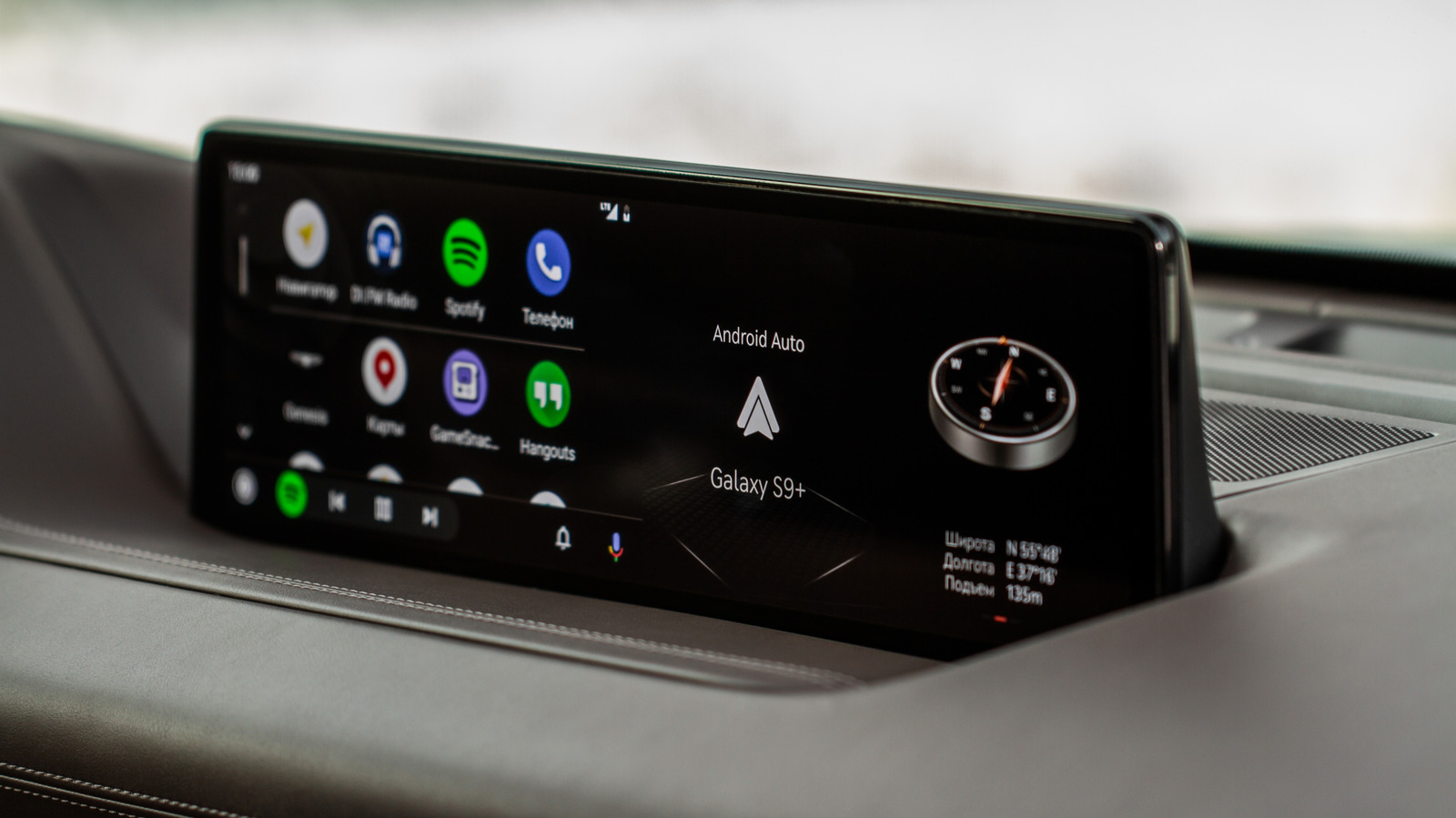
Android Auto vs. CarPlay: Open vs. Controlled Infotainment Ecosystems
A deep dive into Android Auto's flexibility versus Apple CarPlay's curated experience, impacting user choice and OEM strategy

Google's Grip on Android App Distribution Under Fire
US District Judge James Donato gives Google one week to fix its deliberately obscured third-party app store access, highlighting Google's resistance to fair competition

Android 17 QPR2 Beta 3: Pixel Security and Controls Get a Boost
Byte-Pulse examines Android 17 QPR2 Beta 3, focusing on new UI elements, security updates, and user controls for Pixel devices.

Serhat Er founded Byte-Pulse to cover European tech that US blogs miss. He owns the editorial direction, reviews every AI and security story personally, signs off on each article before publish, and writes the in-depth buying guides and head-to-head comparisons. Based in Leverkusen, Germany. Reach out at editorial@byte-pulse.net.
Don’t miss these
Proton VPN vs NordVPN: Which One Earns Your Subscription?
A deep dive into Proton VPN and NordVPN, comparing their privacy, performance, features, and value, helping you make an informed decision.
Perplexity Pro vs ChatGPT Plus: Which AI Assistant Fits Your Workflow?
This guide lays out the strengths and approaches of Perplexity Pro and ChatGPT Plus, helping you identify which AI assistant aligns with your specific needs.

Pokémon TCG Movie Signals Strategic Media Pivot for The Pokémon Company
A new Pokémon movie focused on the TCG is coming in 2027, marking a strategic pivot for the franchise as it navigates massive global fan engagement and logistical challenges.

Apple's AI Pivot: Vision Pro Content Cut, Siri Rebuilt Amid Layoffs
Apple's latest layoffs signal a strategic pivot, dialing back high-cost Vision Pro content while re-tooling Siri for the AI era. What's next for Apple?

D23 2026: Disney's Content Deluge Sparks Questions About Strategy
Byte-Pulse cuts through D23 hype: We dissect Disney's ambitious content slate, from Simpsons: Hit & Run to Ahsoka season 2, and question the real-world implications and European market strategy.
Notion vs Obsidian: Which Knowledge Hub Fits Your Workflow?
Deciding between Notion and Obsidian? We break down the core differences in philosophy, data ownership, collaboration, and extensibility to help you choose.