Snapseed 4.0: Pro Photo Editing Now Easier for All
Google's Snapseed update puts pro-level photo editing in everyone's pocket. Seriously.


Snapseed 4.0 just landed. It's kinda a big deal for anyone who snaps photos with their phone. Especially if you're rocking a Pixel 10 Pro.
Sure, Google’s flagship already has a killer camera. We know that. But Snapseed’s latest features? They offer a fresh take on mobile photography, blending pro-grade tools with, well, actual ease of use. That's a combo we don't always see.
Better Camera. Inside the App.
Let's talk about the in-app camera. It's probably the biggest deal in Snapseed 4.0. This isn't just another filter app, trust me. Snapseed's got these real, film-like filters. They give you that authentic vibe without trashing your image quality.
Got a Pixel 10 Pro? Great hardware, right? Now you're pairing that superior image capture with some serious artistic flair. Basically, Snapseed's in-app camera brings vintage film looks to your modern device. And it looks good.
Pro Mode? For Beginners?
Yep. Snapseed 4.0 introduces a Pro mode that's surprisingly intuitive for beginners. It boils things down to three essentials: exposure, shutter speed, and focus. That's it. It's a welcome change for anyone who feels lost in a sea of settings on other camera apps.
Honestly, just tweaking one of those can make a huge difference in your photos. Perfect for the casual shooter, or someone just starting out.
Editing Tools? Pure Magic.
Never really messed with photo editing? Snapseed's tools might just blow your mind. The app’s Tune Image feature? It lets you selectively adjust brightness, shadows, and warmth. How? With a smart masking tool, kinda like Google's own Magic Eraser.
That means you can boost specific areas of a photo without messing up the whole thing. Pretty cool, right? Snapseed's tools make photo editing approachable. And effective. Even if you've never touched Photoshop.
User-Friendly Interface
Snapseed 4.0 keeps its editing tools organized. They're split into Refine, Fix, and Style. No more getting lost in endless menus. Whether you want to add some dramatic Grunge filters or just clean up a shot, Snapseed's got options. For everyone. Doesn't matter if you're a total noob or a seasoned pro.
The European Angle
Over in Europe, smartphone photography isn't just a hobby. It's a professional tool for many. So Snapseed 4.0 is a big deal there. With GDPR rules tightening up how photos are stored and shared, Snapseed's offline editing capabilities could be a huge draw for privacy-minded users. You edit, it stays on your phone. Simple.
So, What's It Mean for You?
Got a Pixel 10 Pro or something similar? Snapseed 4.0 could seriously upgrade your photography. Suddenly, pro tools are easy to get to. You don't need fancy skills to take (and edit) genuinely stunning photos. This update? It's a must-have if you want better pictures without buying expensive gear.
Still Some Questions
Snapseed 4.0 brings some impressive features, no doubt. But we don't know yet how it'll perform across all Android devices. How well does it play with other camera apps? What about battery life? Users will have to figure that out as they go.
Why Care?
Here's why this matters: Snapseed 4.0 makes advanced photography available to everyone. It's that simple. For mobile photographers, especially in places like the EU, this update offers real creative freedom. No pro gear needed. Just your phone and Snapseed.
Editor-tracked discounts on the gadgets and gear worth buying right now.
See the deals →Discuss this story
Got a take, a correction, or a follow-up tip? Reply where you read — we read everything.
Found an error? File a correction at /corrections. Substantive corrections are logged publicly.
One short email. The most important Web & Apps news, fact-checked, no fluff. Free, unsubscribe anytime.
More from Web & Apps

D23 2026: Disney's Content Deluge Sparks Questions About Strategy
Byte-Pulse cuts through D23 hype: We dissect Disney's ambitious content slate, from Simpsons: Hit & Run to Ahsoka season 2, and question the real-world implications and European market strategy.

Spotify Relaunches AI Running Mode for iOS Premium Users
Spotify's new Running Mode for iOS uses AI to sync music with your stride, but its success hinges on AI quality and user input
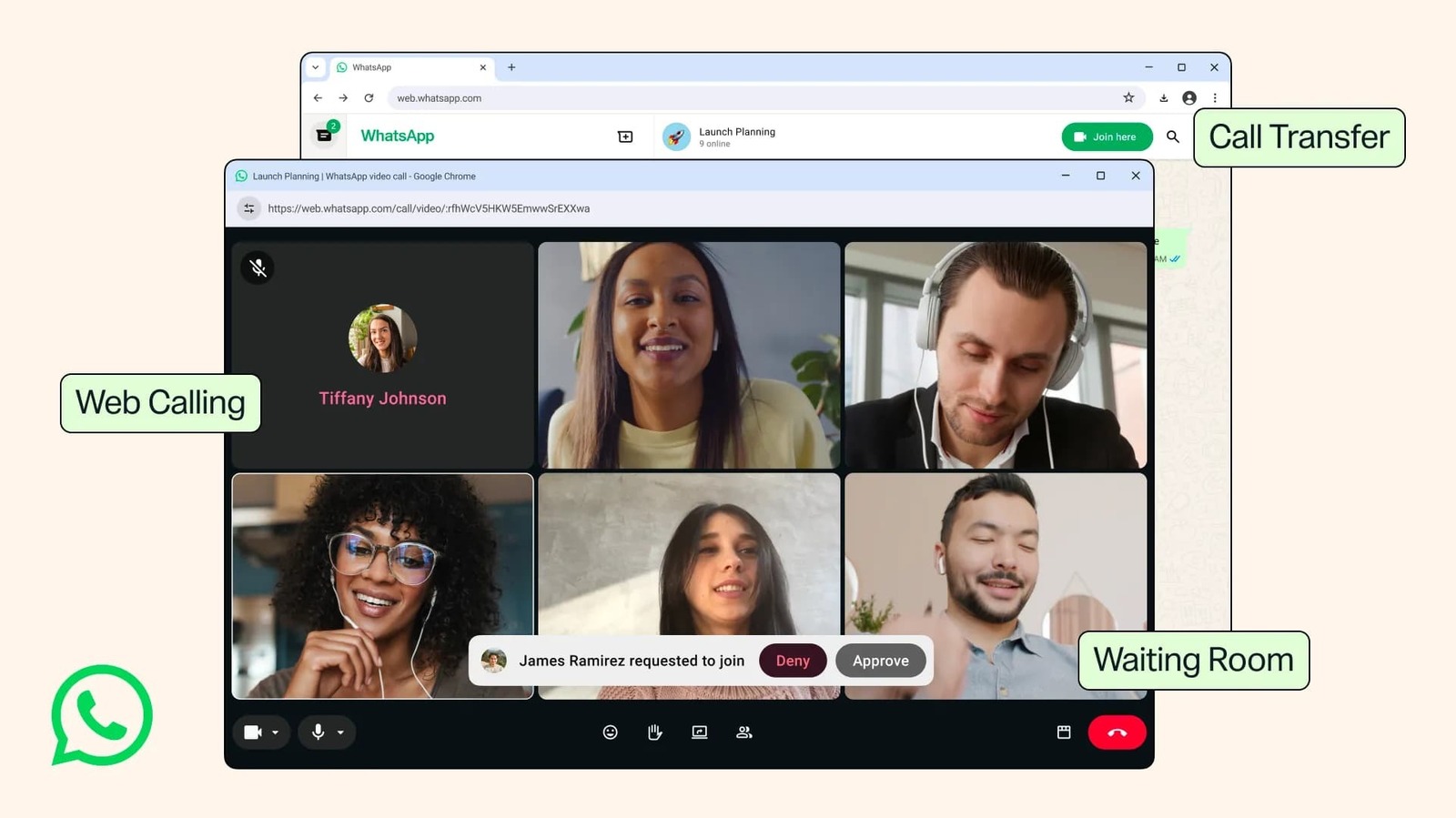
WhatsApp Web Gets Calls: Meta's Cross-Platform Play Begins
WhatsApp Web now supports encrypted calls, screen sharing, and call transfers. We dissect Meta's strategic shift and its implications for users and enterprise adoption in Europe.

Fox's $22 Billion Acquisition of Roku: A New Era in Streaming
Fox's acquisition of Roku for $22 billion marks a pivotal shift in streaming, merging content strength with platform reach.
The Byte-Pulse Newsroom is the editorial system that produces Byte-Pulse's daily tech news coverage. Each story is cross-referenced across 3+ independent outlets, drafted with AI assistance by the newsroom system (Drafter → Editor → Fact-Checker → Polisher), and reviewed by Serhat Er, Editor-in-Chief, before publication. We disclose AI augmentation openly. Editorial accountability stays with the named editor on every article. Tips: editorial@byte-pulse.net.
Don’t miss these
Honor Magic 8 Pro vs Samsung Galaxy S26 Ultra: Which Future Flagship Fits Your Wallet and Workflow?
Deciding between the anticipated Honor Magic 8 Pro and Samsung Galaxy S26 Ultra? Our deep dive into expected specs and features provides the fair comparison you need.
Proton VPN vs NordVPN: Which One Earns Your Subscription?
A deep dive into Proton VPN and NordVPN, comparing their privacy, performance, features, and value, helping you make an informed decision.
Perplexity Pro vs ChatGPT Plus: Which AI Assistant Fits Your Workflow?
This guide lays out the strengths and approaches of Perplexity Pro and ChatGPT Plus, helping you identify which AI assistant aligns with your specific needs.

Pokémon TCG Movie Signals Strategic Media Pivot for The Pokémon Company
A new Pokémon movie focused on the TCG is coming in 2027, marking a strategic pivot for the franchise as it navigates massive global fan engagement and logistical challenges.

Apple's AI Pivot: Vision Pro Content Cut, Siri Rebuilt Amid Layoffs
Apple's latest layoffs signal a strategic pivot, dialing back high-cost Vision Pro content while re-tooling Siri for the AI era. What's next for Apple?
Xiaomi 16 Pro vs iPhone 18 Pro: Which Flagship Fits Your World?
Deciding between the Xiaomi 16 Pro and iPhone 18 Pro? We break down every spec and trade-off, so you can make the choice that's right for you.