Android 17: Enhancing User Experience with New Features
How Android 17 transforms user experience with multitasking, data controls, and more.


How Android 17 Enhances Multitasking with New Bubble Features
Google's rollout of Android 17 brings a fresh focus on multitasking with its new "bubbles" feature. This feature allows users to open apps in floating windows that can be moved around the screen—think of chat heads from messaging platforms. It’s designed to help users juggle multiple apps more efficiently, aiming to streamline interactions and boost productivity. By long-pressing an app's icon, you can activate the bubble and place it wherever you want on the display. This is particularly beneficial for users managing various tasks simultaneously, such as responding to messages while browsing the web or taking notes during a video call.
However, the practicality of these floating bubbles varies by device size. While they shine on larger tablet displays or phablets, regular smartphone users might find their usefulness depends heavily on screen size and personal multitasking habits. For instance, someone using a 6.5-inch screen might appreciate the quick access to messaging and calendar apps without switching screens, but on a smaller 5.5-inch display, the screen real estate might feel cramped with multiple bubbles.
Compared to: Android 16
Compared to its predecessor, Android 16, Android 17's bubbles offer a more integrated and versatile approach to multitasking. Android 16 introduced split-screen functionality, which, while useful, could feel restrictive as it required fixed divisions of the screen. The bubbles provide flexibility, allowing users to overlay apps and move them around freely without adherence to a grid or fixed layout. This approach could potentially transform how users interact with their devices, particularly on larger screens.
The Return of Separate Wi-Fi and Mobile Data Controls
A practical tweak in Android 17 is the return of separate controls for Wi-Fi and mobile data in the Quick Settings menu. Android 12 had combined these into one "Internet" tile, which many users found cumbersome. Golem points out that bringing back individual tiles makes it easier to access and control connectivity settings swiftly.
This change matters, especially for users in areas where mobile data costs fluctuate. Being able to switch between Wi-Fi and cellular data quickly can save money, avoiding unintended data charges. In many European countries, where mobile data can be costly and vary based on provider and plan, this granular control is not just a convenience but a necessity for budget-conscious users.
Compared to: Android 12
This change marks a return to the user-friendly design seen in Android 11, where separate toggles gave users precise control over their connectivity. The "Internet" tile in Android 12 was a step towards simplification, but it often led to more taps and swipes to achieve the same result. By listening to user feedback, Google has demonstrated a commitment to usability, even if it means reverting to older designs that worked better in real-world usage.
What 'Screen Reactions' Means for Content Creators
Android 17 also rolls out the "Screen Reactions" feature, which allows users to record their screens while overlaying a video of themselves. This is particularly advantageous for content creators. Influencers and vloggers can now engage with their audiences in real-time, adding personal touches to their recordings. Imagine a gaming streamer who can now provide live commentary with a personal video overlay, enhancing engagement with viewers.
This could spark new creative possibilities, especially on platforms like YouTube and TikTok, where personalization is key to standing out. However, the quality of the recording will depend on the hardware of the device, meaning that higher-end models may offer better video processing capabilities, impacting the final content quality.
Real Daily Use Scenario
Consider a teacher conducting a virtual class. With Android 17, they can use the "Screen Reactions" feature to project their teaching material while simultaneously appearing on the screen to explain concepts. This dual interaction can help maintain student engagement, making remote learning more effective. Similarly, tech reviewers can overlay their reactions while demonstrating new software or gadgets, providing a richer, more immersive experience for their audience.
Why Easier Migration from iOS Matters for Users
One standout feature of Android 17 is the ease of migrating data from iOS devices. Heise and Golem confirm that Google is working with Apple to make this transition smoother. This could be a pivotal development for users hesitant to switch due to concerns about data transfer. With simplified migration, Android might attract those looking for more customizable and cost-effective options.
For users frustrated with iOS limitations or seeking Android's open ecosystem, this feature can be the deciding factor in making the switch. User-friendly migration tools could significantly lower the barrier for switching, allowing users to retain their contacts, photos, and even app data without hassle.
Compared to: Previous Android Versions
Historically, switching from iOS to Android has been a cumbersome process, often requiring third-party apps or manual data transfer methods, which were prone to errors and data loss. Android 17's improved migration process promises a more seamless transition, potentially increasing Android's market share by converting iOS users who were previously deterred by the complexity of switching platforms.
Understanding Gemini Intelligence and Its Limitations
Gemini Intelligence is another new addition in Android 17, designed to provide contextual assistance based on user behavior and preferences. It promises to automate tasks and make interactions smoother through AI-driven insights. For example, if you frequently call a specific contact when commuting, Gemini might suggest calling them as you leave work.
Still, there’s skepticism about how well it’ll work. Heise notes that Gemini features will only be available on high-end devices, possibly limiting who can access them. Additionally, Golem adds that privacy regulations in Europe might impact how effectively these features are rolled out. With GDPR and other privacy laws, Google must ensure that Gemini's data handling complies with stringent regulations, which could lead to a more cautious and slower deployment.
What This Means for You
For everyday users, Gemini Intelligence could mean less manual input and more intuitive device interactions. However, access will likely be restricted to premium devices, which might not be within reach for all users. This raises questions about Android's broader inclusivity and whether flagship features should be more universally accessible.
What's Still Unclear
Despite these promising features, some crucial questions linger. How will the transition from iOS handle different data types, like apps and settings? Will Gemini Intelligence's features be strong enough to justify their premium price tags on high-end devices? And with Europe’s strict data privacy laws, how will this affect the rollout of features that rely on user data?
There’s also the broader question of how these features will perform across different devices with varied hardware capabilities. Will budget and mid-range devices be able to leverage these new features effectively, or will they remain the domain of top-tier models?
Why This Matters
Android 17 marks a significant step for Google’s mobile operating system, introducing features that enhance multitasking, empower content creators, and simplify user migration from iOS. But the real success will depend on how well these features work in practice and how users respond to them. As we keep an eye on the rollout, it’ll be essential to see how these updates shape user experience, especially with the complexities of privacy regulations in Europe. The buzz around Gemini Intelligence underscores the need for a thoughtful balance between innovation and user-centered design in future Android updates.
For those considering an upgrade or switch, Android 17 offers compelling reasons to explore its new capabilities. However, potential adopters should weigh these advancements against their current device capabilities and personal usage needs. As anyone who's shipped hardware knows, the allure of new software features is only as strong as the hardware that supports them. Whether these features will become mainstays or mere novelties will depend on their adoption and utility in everyday scenarios.
Overall, Android 17 positions itself as a forward-looking update that seeks to bridge gaps between user needs and technological advancements. It remains to be seen how these changes will be received once in the hands of everyday users, and whether they will address the diverse needs of Android's global user base.
Sources cross-referenced
This story was synthesised from reporting by 4 outlets:
1. Heise 2. Golem 3. 9to5Google 4. 9to5Google
Cases, chargers and AirPods alternatives the editors actually use.
Shop mobile gear →Discuss this story
Got a take, a correction, or a follow-up tip? Reply where you read — we read everything.
Found an error? File a correction at /corrections. Substantive corrections are logged publicly.
One short email. The most important Mobile news, fact-checked, no fluff. Free, unsubscribe anytime.
More from Mobile

Apple's 'Deep Discounts': US Inventory Flush, Not European Bargains
Byte-Pulse examines Apple's recent US sales, revealing that 'deep discounts' on popular devices like the iPhone 17 Pro and M3 iPad Air are less about consumer savings and more about clearing stock ahead of new launches. We critically assess whether these offers translate to real value for European buyers.
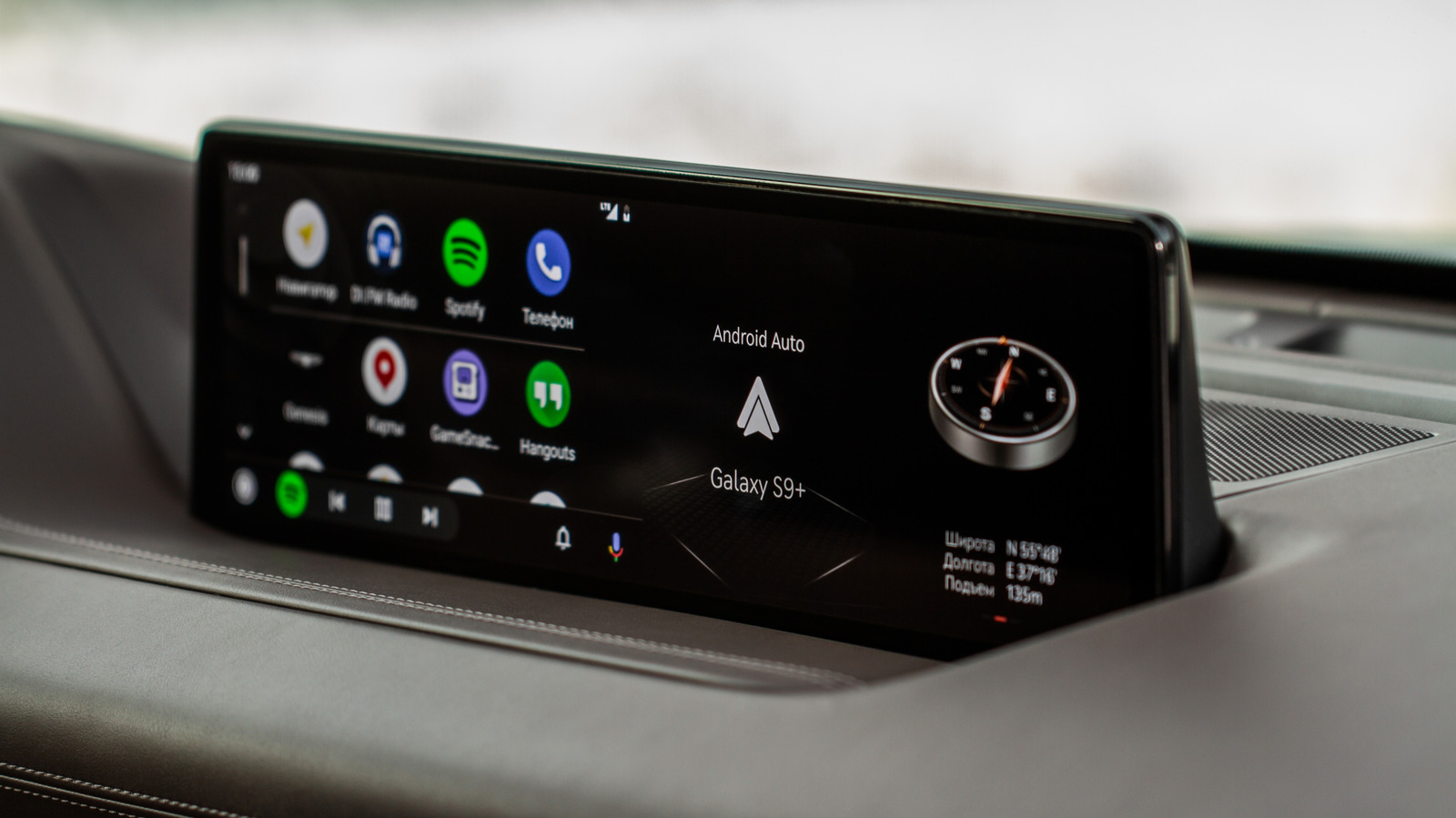
Android Auto vs. CarPlay: Open vs. Controlled Infotainment Ecosystems
A deep dive into Android Auto's flexibility versus Apple CarPlay's curated experience, impacting user choice and OEM strategy
Google's Grip on Android App Distribution Under Fire
US District Judge James Donato gives Google one week to fix its deliberately obscured third-party app store access, highlighting Google's resistance to fair competition

Android 17 QPR2 Beta 3: Pixel Security and Controls Get a Boost
Byte-Pulse examines Android 17 QPR2 Beta 3, focusing on new UI elements, security updates, and user controls for Pixel devices.
The Byte-Pulse Newsroom is the editorial system that produces Byte-Pulse's daily tech news coverage. Each story is cross-referenced across 3+ independent outlets, drafted with AI assistance by the newsroom system (Drafter → Editor → Fact-Checker → Polisher), and reviewed by Serhat Er, Editor-in-Chief, before publication. We disclose AI augmentation openly. Editorial accountability stays with the named editor on every article. Tips: editorial@byte-pulse.net.
Don’t miss these
Proton Mail vs Gmail: Which Email Service Fits Your Digital Life?
Unsure about Proton Mail vs Gmail? We break down security, features, pricing, and daily use so you can confidently pick the email service that aligns with your priorities.
Perplexity Pro vs ChatGPT Plus: Which AI Assistant Fits Your Workflow?
This guide lays out the strengths and approaches of Perplexity Pro and ChatGPT Plus, helping you identify which AI assistant aligns with your specific needs.

Pokémon TCG Movie Signals Strategic Media Pivot for The Pokémon Company
A new Pokémon movie focused on the TCG is coming in 2027, marking a strategic pivot for the franchise as it navigates massive global fan engagement and logistical challenges.

Apple's AI Pivot: Vision Pro Content Cut, Siri Rebuilt Amid Layoffs
Apple's latest layoffs signal a strategic pivot, dialing back high-cost Vision Pro content while re-tooling Siri for the AI era. What's next for Apple?

D23 2026: Disney's Content Deluge Sparks Questions About Strategy
Byte-Pulse cuts through D23 hype: We dissect Disney's ambitious content slate, from Simpsons: Hit & Run to Ahsoka season 2, and question the real-world implications and European market strategy.

eBay's $55.7M Cyberstalking Settlement: A Corporate Culture of Coercion Exposed
Byte-Pulse investigates the eBay cyberstalking case, revealing a disturbing harassment campaign, executive involvement, and the broader implications for corporate ethics.