Microsoft Bakes Copilot AI Directly Into Edge Browser
No more standalone Copilot. Its smart features? Now just… Edge. Across desktop and mobile.


Microsoft Integrates Copilot Directly into Edge
Microsoft's Edge browser is undergoing a significant transformation, and it’s all about integrating AI to enhance user experience. The standalone Copilot Mode, previously a separate feature allowing users to search tabs or analyze page details, is being phased out. Now, these intelligent capabilities are embedded directly into Edge, available on both desktop and mobile platforms. The aim is to streamline the browsing experience, making it more intuitive and efficient. Imagine you're comparing smart TVs across various tabs. With the new Copilot integration, you can simply ask it to provide a structured, side-by-side comparison. This kind of feature isn't just a novelty; it represents a new direction in how browsers can assist us in navigating the digital world.
Enhanced Mobile Features
The integration of Copilot AI isn't limited to desktop users. Mobile Edge users are also receiving significant updates that promise to improve usability. One of the standout features is "Journeys," which allows users to save projects or collections of tabs for future reference on their phones. This feature is particularly beneficial for those who conduct research or need to juggle multiple tasks on the go. Additionally, Vision and Voice features enable hands-free browsing, allowing users to interact with Copilot using natural language commands. This enhancement is a substantial win for accessibility, providing users with different needs the tools to navigate the web more easily.
Microsoft has also redesigned the mobile tab page to resemble its desktop counterpart more closely. This change aims to provide a seamless user experience across devices, ensuring that features like Journeys are easy to find and use. The goal is clear: to create a unified browsing experience that feels consistent, regardless of the device being used.
New Learning Tools
Microsoft is expanding its educational tools with the integration of Copilot into Edge. The new "Study and Learn mode" is particularly noteworthy, as it can transform reference materials into guided study sessions or even interactive quizzes. This tool is a boon for students, offering a new way to engage with study material and reinforcing learning through interactive means. Additionally, the Writing Assistant feature can generate and tweak drafts, making it a useful tool for anyone who writes as part of their work or study.
For those who prefer auditory learning, another feature allows the conversion of open tabs into a podcast format. However, it's worth noting that this functionality is currently limited to English-speaking markets, which may limit its accessibility for non-English users.
- Journeys: Save and organize projects.
- Vision and Voice: Hands-free, natural language commands.
- Study and Learn mode: Interactive quizzes and study sessions.
- Writing Assistant: Draft generation and editing.
- Podcast conversion: Listen to open tabs as audio content.
Context: The European Angle
This integration of AI into Microsoft Edge is part of a broader strategy by Microsoft to embed AI capabilities across its product suite. However, in Europe, where data privacy regulations are particularly stringent, this move will undoubtedly draw scrutiny. The General Data Protection Regulation (GDPR) sets a high standard for data handling, and any AI features that involve data collection or analysis will need to comply.
Microsoft's strategy of seamless, cross-device functionality could give Edge a competitive advantage over rivals like Chrome and Safari, especially in privacy-conscious regions. The ability to offer robust AI tools while maintaining compliance with data privacy laws could be a key differentiator in these markets.
What This Means for You
For the everyday user, the integration of Copilot into Edge means a more streamlined and less cumbersome browsing experience. If you frequently switch between devices, this unified experience can simplify your digital interactions, potentially saving time and boosting productivity. This is particularly relevant for students and professionals who rely on efficient, powerful tools to manage their work and studies.
The new features can also enhance accessibility, providing alternative ways to interact with content that cater to diverse needs and preferences. Whether you're saving research projects with Journeys, accessing information hands-free with Voice commands, or converting text to audio for on-the-go listening, these tools are designed to make your digital life easier and more productive.
What's Still Unclear
Despite the promising features, there are several unanswered questions about the new Edge with Copilot integration. Firstly, how will these features perform across different devices and operating systems? There's also the question of user adoption—will people find these AI features useful enough to make a switch from their current browsers? Another significant concern is how these changes will align with European data privacy regulations. Microsoft will need to navigate these challenges carefully to ensure compliance while delivering on the promise of a more integrated browsing experience.
Editorial Take
Microsoft's decision to integrate Copilot's AI features directly into Edge isn't just about enhancing a browser; it signals a broader trend where AI becomes a standard component of our digital tools. This move reflects a shift in how we interact with the web, suggesting that AI is no longer an optional add-on but an integral part of the user experience. As these technologies evolve, they will continue to shape the way we access and process information online, making our interactions with technology more intuitive and efficient. The challenge for Microsoft will be to balance innovation with privacy and usability, particularly in regions with strict data protection laws. If successful, this integration could set a new standard for what users expect from their web browsers.
Editor-tracked discounts on the gadgets and gear worth buying right now.
See the deals →Discuss this story
Got a take, a correction, or a follow-up tip? Reply where you read — we read everything.
Found an error? File a correction at /corrections. Substantive corrections are logged publicly.
One short email. The most important Web & Apps news, fact-checked, no fluff. Free, unsubscribe anytime.
More from Web & Apps

D23 2026: Disney's Content Deluge Sparks Questions About Strategy
Byte-Pulse cuts through D23 hype: We dissect Disney's ambitious content slate, from Simpsons: Hit & Run to Ahsoka season 2, and question the real-world implications and European market strategy.

Spotify Relaunches AI Running Mode for iOS Premium Users
Spotify's new Running Mode for iOS uses AI to sync music with your stride, but its success hinges on AI quality and user input
WhatsApp Web Gets Calls: Meta's Cross-Platform Play Begins
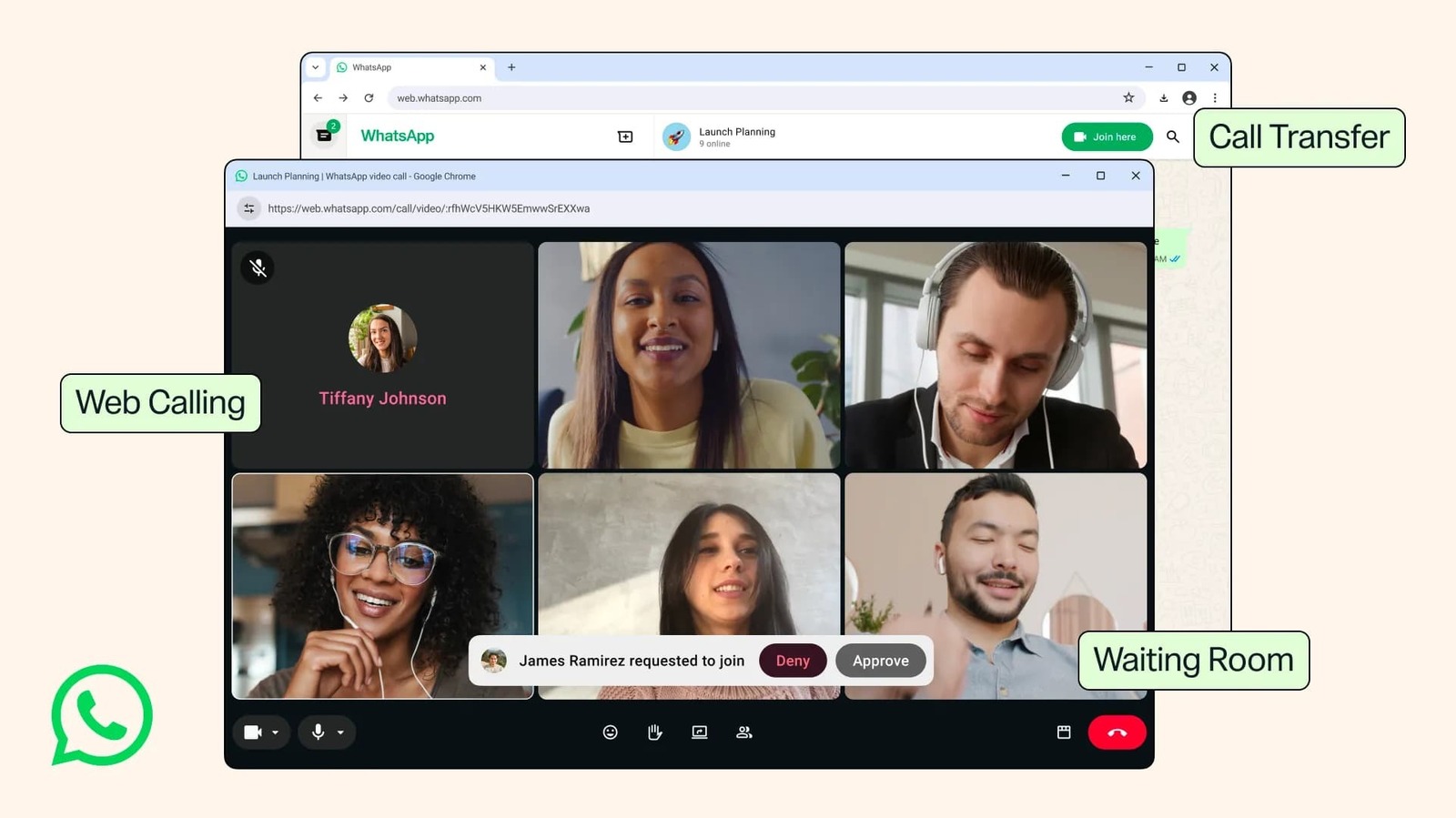
WhatsApp Web now supports encrypted calls, screen sharing, and call transfers. We dissect Meta's strategic shift and its implications for users and enterprise adoption in Europe.

Fox's $22 Billion Acquisition of Roku: A New Era in Streaming
Fox's acquisition of Roku for $22 billion marks a pivotal shift in streaming, merging content strength with platform reach.
The Byte-Pulse Newsroom is the editorial system that produces Byte-Pulse's daily tech news coverage. Each story is cross-referenced across 3+ independent outlets, drafted with AI assistance by the newsroom system (Drafter → Editor → Fact-Checker → Polisher), and reviewed by Serhat Er, Editor-in-Chief, before publication. We disclose AI augmentation openly. Editorial accountability stays with the named editor on every article. Tips: editorial@byte-pulse.net.
Don’t miss these
Motorola Edge 60 Ultra vs OnePlus 13: Which Android Flagship Fits Your Priorities?
Motorola Edge 60 Ultra and OnePlus 13 both aim for top-tier Android. We cut through the marketing to reveal the true differences, helping you choose.
Proton VPN vs NordVPN: Which One Earns Your Subscription?
A deep dive into Proton VPN and NordVPN, comparing their privacy, performance, features, and value, helping you make an informed decision.
Perplexity Pro vs ChatGPT Plus: Which AI Assistant Fits Your Workflow?
This guide lays out the strengths and approaches of Perplexity Pro and ChatGPT Plus, helping you identify which AI assistant aligns with your specific needs.

Pokémon TCG Movie Signals Strategic Media Pivot for The Pokémon Company
A new Pokémon movie focused on the TCG is coming in 2027, marking a strategic pivot for the franchise as it navigates massive global fan engagement and logistical challenges.

Apple's AI Pivot: Vision Pro Content Cut, Siri Rebuilt Amid Layoffs
Apple's latest layoffs signal a strategic pivot, dialing back high-cost Vision Pro content while re-tooling Siri for the AI era. What's next for Apple?
Sony Xperia 1 VII vs iPhone 18 Pro: Which Flagship Fits Your Creative Flow?
Deciding between Sony's creator-centric Xperia 1 VII and Apple's powerful iPhone 18 Pro? We break down every spec and feature, neutrally.